 Reviewed by HAWKGAMING Brand Team
 Get the Android App HAWKGAMING App for Mobile Play in the Philippines Enjoy
Take your HAWKGAMING experience to your Android phone through the verified APK download page. Log in using your registered mobile number and verification code or account password, explore casino games and sports events, deposit through GCash or Maya, and submit eligible withdrawal requests from your mobile account. The iOS version is still being prepared and is not currently available for installation. Access is strictly for qualified Philippine adults aged 21 and above. Play for entertainment, set firm spending and time limits, and never chase losses.
Why Philippine Players Use the HAWKGAMING App
The HAWKGAMING app is designed to make account access and gaming more convenient on Android devices. Members can sign in by SMS verification code or password, review deposits, withdrawals, game activity, and awards under Transactions, and manage password, PIN, and KYC settings through the Security Centre. Some services remain restricted until the required KYC review is completed. For safer participation, protect your password and SMS codes, check your transaction history regularly, and treat every game as paid entertainment with random outcomes rather than a source of income.
Made for Practical Mobile Access in the Philippines
For a smoother Android setup, use a stable mobile data or Wi-Fi connection and avoid changing networks while the APK is downloading or installing. If the download stops, reopen the verified download page in your mobile browser and try again. When a game becomes unresponsive, first check your signal or Wi-Fi, then restart the app if needed; the game may resume from the point where the connection was interrupted.
GCash and Maya Payment Access
Use the HAWKGAMING mobile experience to manage deposits and withdrawals through GCash or Maya. From the HOME page, select Deposit, choose the amount shown, and confirm your payment. Once the transaction is successfully processed, the balance is generally added to your wallet automatically. For withdrawals, open ME, choose Withdraw, select the amount, and submit the request. Payment processing may be affected by verification checks, maintenance, or technical issues.
Stay Updated Through Your Account
Check your HAWKGAMING account and help resources regularly for current payment notices, service updates, and available account information. Do not rely on unverified messages or links when accessing your account. For questions about deposits, withdrawals, or account activity, contact the support team through the available help channels. Always review the applicable terms before taking part in any activity.
Secure Login Options
The HAWKGAMING mobile experience supports login by phone number and SMS verification code, while members with an account password can use Password Login. Keep your password, PIN, and verification codes private, and review your security settings through the ME section. KYC checks may be required before certain services are available, so make sure your account details remain accurate.
Mobile Access for Games and Sports
Access HAWKGAMING through a mobile browser or the Android APK to use the platform while on the go. The service includes electronic casino games, featured games, sports betting, and electronic bingo. For a stable session, use a reliable mobile connection or Wi-Fi. If a game stops responding, check your connection and restart the app if necessary.
Keep Your App Access Secure
Use the verified HAWKGAMING entry point when downloading the Android APK, and avoid unofficial files or unfamiliar links. The website advises users not to switch networks while the APK is downloading or installing. If the download does not complete, reopen the download page in your mobile browser. Check the latest account and security notices before using the app.
How to Install the HAWKGAMING APK on Android
Android users can access the HAWKGAMING mobile experience through the APK download entry provided on the website. Download and installation should be completed from a verified HAWKGAMING source. Keep your connection stable during the process, then log in with your phone number and verification code or use Password Login.
Open the Android APK Download Entry
On the verified HAWKGAMING app page, select the Android APK download option. Keep your mobile connection active while the file is downloading, and avoid switching networks during the process. If the download fails, open the download page again in your mobile browser and try once more.
Review Android Installation Permissions
Android may ask you to approve installation of an APK obtained outside its standard app marketplace. Follow the security instructions displayed on your device and only proceed when the file came from the verified HAWKGAMING entry point. Do not install APK files received from unknown sources, and review your device permissions after installation.
Open the Downloaded APK
After the download finishes, open the APK from your browser's download area or your device's file manager. Follow the Android installation prompts and wait for the process to finish. If your phone blocks the installation, check its security settings and confirm that you are using the verified HAWKGAMING download source.
Open the App and Sign In
Launch HAWKGAMING after installation and sign in with your registered phone number and SMS verification code, or select Password Login if you have already created a password. New eligible members may choose Register / Log in to create an account. Access to the platform is limited to adults aged 21 and above who meet the stated eligibility requirements.
Android App Access
The HAWKGAMING website provides an Android APK download entry. Your device may display its own compatibility and security requirements during installation. Keep your phone software updated, maintain a stable connection, and download only from the verified HAWKGAMING source. Complete any required KYC checks before using services affected by account verification.
HAWKGAMING App Access for Android and iOS Users
Android users can access the HAWKGAMING mobile experience through the Android APK download entry on the official website. The iOS version is still being prepared, so iPhone users should use the mobile website until an installable iOS release is made available.
Open the Android Download Page
On an Android phone, open the verified HAWKGAMING download page and select the Android APK option. Keep your connection stable while the file downloads, and use only the official brand entry for safer access.
Download the APK File
Follow the on-screen prompt to download the APK. If the download does not begin, reopen the download page in your mobile browser and try again without switching networks.
Install the APK on Android
After the APK has downloaded, open the file and follow your device prompts to complete installation. Review the permissions shown by your phone before proceeding, then launch HAWKGAMING and sign in with your phone number and verification code or password.
Open the Mobile Experience Safely
For your protection, obtain the Android APK only from a verified HAWKGAMING entry. Never share your account password, PIN or SMS verification code, and complete any KYC checks required for account or payment services.
iOS Access Status
The HAWKGAMING iOS application is currently being prepared. iPhone users can access the service through a mobile browser for now, while Android users may use the available APK download entry.
Current App Information
Review the available mobile access options before you download or sign in to HAWKGAMING.
| Access Format | APK download entry |
| File Size | Check the current download page |
| Android Availability | Available through the Android APK entry |
| Installation Source | Verified HAWKGAMING download page |
| Account Access | Phone verification code or password |
| Updates | Check the current official download page |
| Access Format | iOS Application |
| File Size | Currently being prepared |
| iOS Access | 13.0 |
| Mobile browser access for now | Device Support |
| Account Access | Use a compatible iPhone browser until the iOS release is available |
| Updates | Check the current official download page |
Everything You Need to Know About HAWKGAMING Mobile Access
The HAWKGAMING mobile experience HAWKGAMING app gives Philippine adults aged 21 and above a practical way to reach the platform from a phone. Android users can use the available APK download entry, while iPhone users can access HAWKGAMING through a mobile browser until the iOS application is ready. Before signing in, confirm that you are eligible to participate and keep your login details secure.
Why Use HAWKGAMING on a Mobile Device
Mobile browser access keeps HAWKGAMING within easy reach on your phone. HAWKGAMING app For a more direct mobile setup, Android users can download the official APK through a verified HAWKGAMING entry point. Keep the same network connection active throughout the download and installation; if the download stops, reopen the page in your mobile browser and try again. The iOS app is still being prepared and is not currently available to install.
Use your account tools to stay updated instead of relying on unverified alerts. Under ME, open Transactions to review deposits, withdrawals, game activity and awards by date. For account or payment concerns, contact the support team through live chat, feedback or email, and never share your password, PIN or SMS verification code.
Payments Through HAWKGAMING Mobile Access
The HAWKGAMING mobile experience HAWKGAMING app The mobile deposit process supports GCash and Maya. From HOME, select Deposit, choose the available preset or preferred amount, review the details and tap Confirm. After the payment provider successfully processes the transaction, the balance is usually credited automatically. Refresh your account and allow about five minutes if it does not appear immediately.
To request a withdrawal, open ME, select Withdraw, choose an amount that meets the minimum cash-out threshold shown on the page, then review and confirm the request. GCash or Maya usually completes eligible withdrawals within 10 minutes, although a risk-control review may extend processing to around 30 minutes. Provider maintenance or technical issues can also cause delays, so these time frames are estimates rather than guarantees.
Games Available Through HAWKGAMING Mobile Access
The mobile experience brings together the platform’s main entertainment sections in a phone-friendly format, including electronic casino games, featured games, sports betting and electronic bingo. Crazy 777, Hip Hop PandaFeatured selections are organised for quick browsing on a mobile screen. Supermarket Spree Players can move between electronic casino titles, featured games, sports betting and electronic bingo without leaving the main mobile experience. Mobile sports betting.
The HAWKGAMING mobile experience HAWKGAMING app A stable phone signal or Wi-Fi connection helps games run properly. If a session becomes stuck, check your connection and allow the game to resume from where it stopped. Restart the app if the issue continues. You can also open the in-game gear icon, select the exclamation mark for rules or use the book icon to review game records.
Account Security for HAWKGAMING Mobile Users
Mobile account protection starts with secure sign-in and careful handling of personal credentials. HAWKGAMING app Members can access their accounts using a registered phone number with an SMS verification code or a password. Keep the account password and PIN separate, make sure KYC information is accurate and never disclose an SMS code to anyone. Some services remain restricted until KYC review is completed, with the Security Center showing the current verification status.
If your phone is lost or you suspect unauthorised access, reset your account password and PIN as soon as possible using the registered phone number. Review Transactions for unfamiliar deposits, withdrawals, game activity or awards, then contact support with the relevant details. Never send your password, PIN or SMS verification code when requesting assistance.
Responsible Gaming Tools and Safer Mobile Play
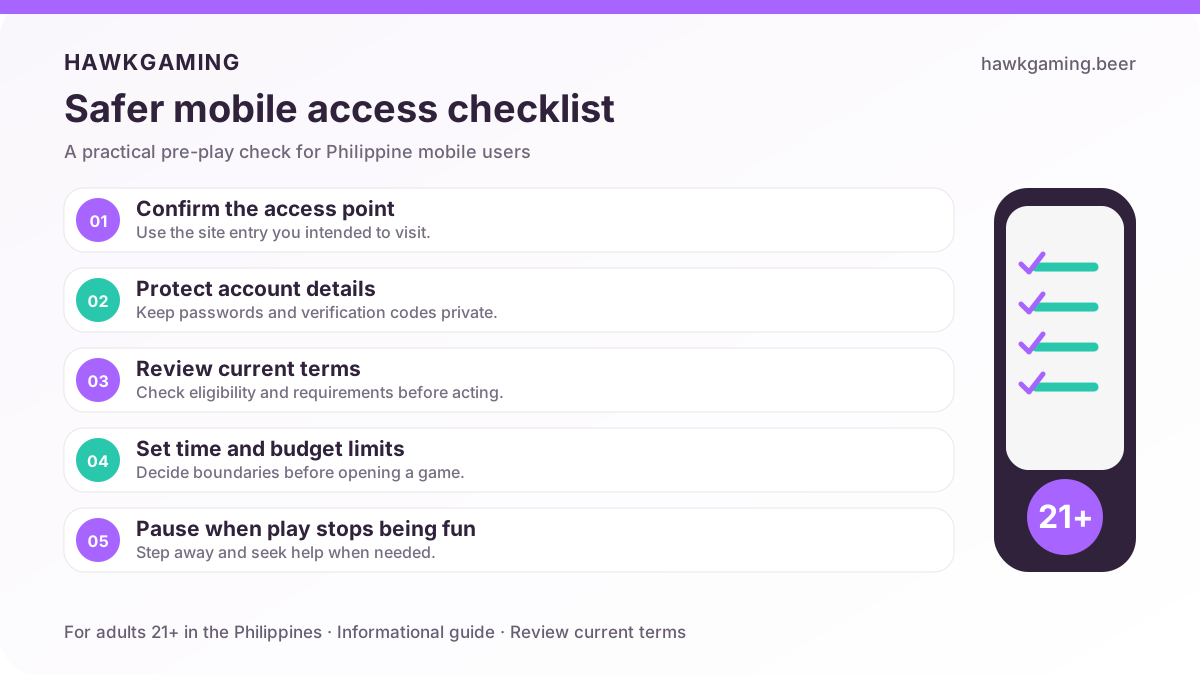
The HAWKGAMING mobile experience HAWKGAMING app Safer play remains important on mobile. Before starting, set a personal budget and time limit, review your transaction history regularly, and never chase losses. Keep your password, PIN, and SMS verification codes private, and complete KYC when required to access restricted account services.
HAWKGAMING treats gaming as paid entertainment for eligible adults aged 21 and above. Staying within your planned spending and play time helps keep the experience enjoyable and under control. Responsible Gaming Read our safer participation guide for practical advice on managing your gaming activity and protecting your account.
Troubleshooting Common Mobile App Issues
- Android APK will not install: Download the Android APK only through the verified platform entry. Do not switch networks while downloading or installing it. If the download fails, reopen the download page in your mobile browser and try again using a stable connection.
- App closes when opened: Close the app fully, check that your Wi-Fi or mobile data connection is stable, and then restart it. If the problem continues, download a fresh Android APK from the verified platform entry and reinstall it.
- iOS profile or developer warning: An installable iOS version is not currently available because it is still being prepared. Do not trust or install unofficial configuration profiles claiming to provide access. Use the mobile web version in the meantime.
- Games are not loading: Check your signal or Wi-Fi connection, then switch between Wi-Fi and mobile data if necessary. Restart the app if the game remains stuck; once the connection is restored, the game should resume from where it stopped.
- Payment is not going through: Confirm that your GCash or Maya payment was completed successfully. Refresh your account balance and allow about five minutes for an update. If the funds still do not appear, contact support with your registered phone number, successful payment screenshot, and payment order number. Never share your password or SMS code.
If the issue continues after these checks, contact the HAWKGAMING support team through real-time chat or email. Include the relevant details, such as your registered phone number, transaction time, game ID, amount, or payment order number, so the team can investigate efficiently.
HAWKGAMING App FAQ
Find clear answers to common questions about Android downloads, iOS availability, mobile access, payments, and account safety in the Philippines.
Need More Help?
Our support options include real-time chat, email support and the Help Center. If you need assistance with account access, payments, KYC, transactions or a game issue, use the support channel shown on the official website. Never share your password or SMS verification code with anyone. You can also find more answers on the FAQ page.
Access HAWKGAMING on Mobile with the Android APK
Use HAWKGAMING through your mobile browser or the official Android APK download入口. Create an account or sign in with your registered mobile number, then complete any required KYC checks before using restricted services or handling funds. The platform supports PHP transactions through GCash and Maya. Participation is for Philippine adults aged 21+ only, and all games involve chance, so play within a set budget and never chase losses.
21+ only. One account per person. Please play responsibly.